Update Node Property
Edit Node on Inspectors
On the iPad
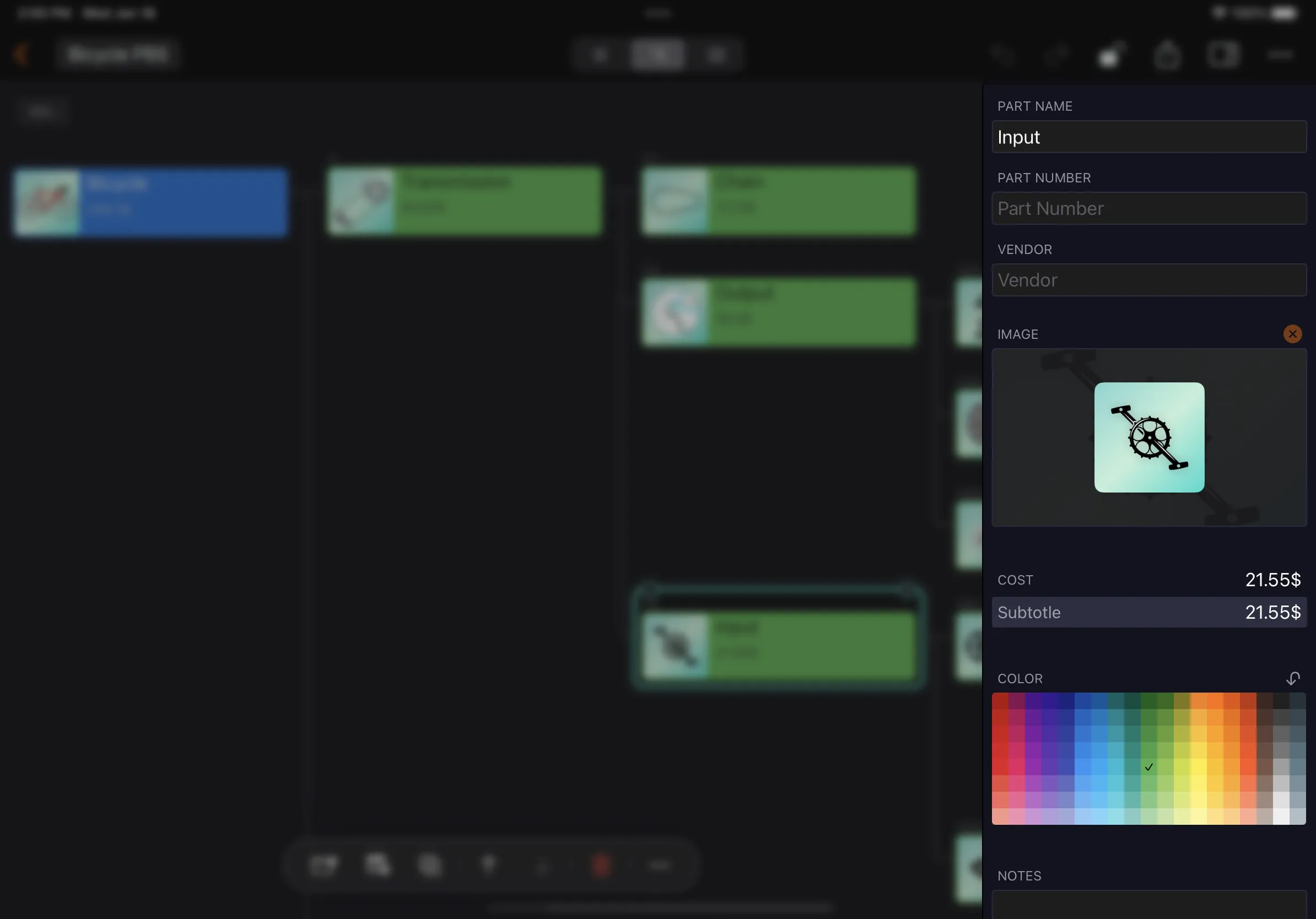
Select a node on the iPad and you can edit the properties of the selected node in the property editor.
On iPhone
Select a node and click the Edit button in the taskbar to edit the properties of the selected node in the Property Editor.
Customization
Edit Node on List
The CostX list view behaves like a grid. You can tap to select a cell, and edit it by typing and copy/paste. You can also copy content from other applications and paste it into the corresponding selected cell.
Efficience
CostX helps us improve our efficiency by interacting with Excel and Apple Number. You can copy multiple cells from them to update multiple cells in the CostX list view. See details.